Individual File Download
Individual file downloads from the AnVIL Data Explorer are available for open-access files. Files can also be downloaded with information in the dataset manifests.
Example
Downloading individual files.
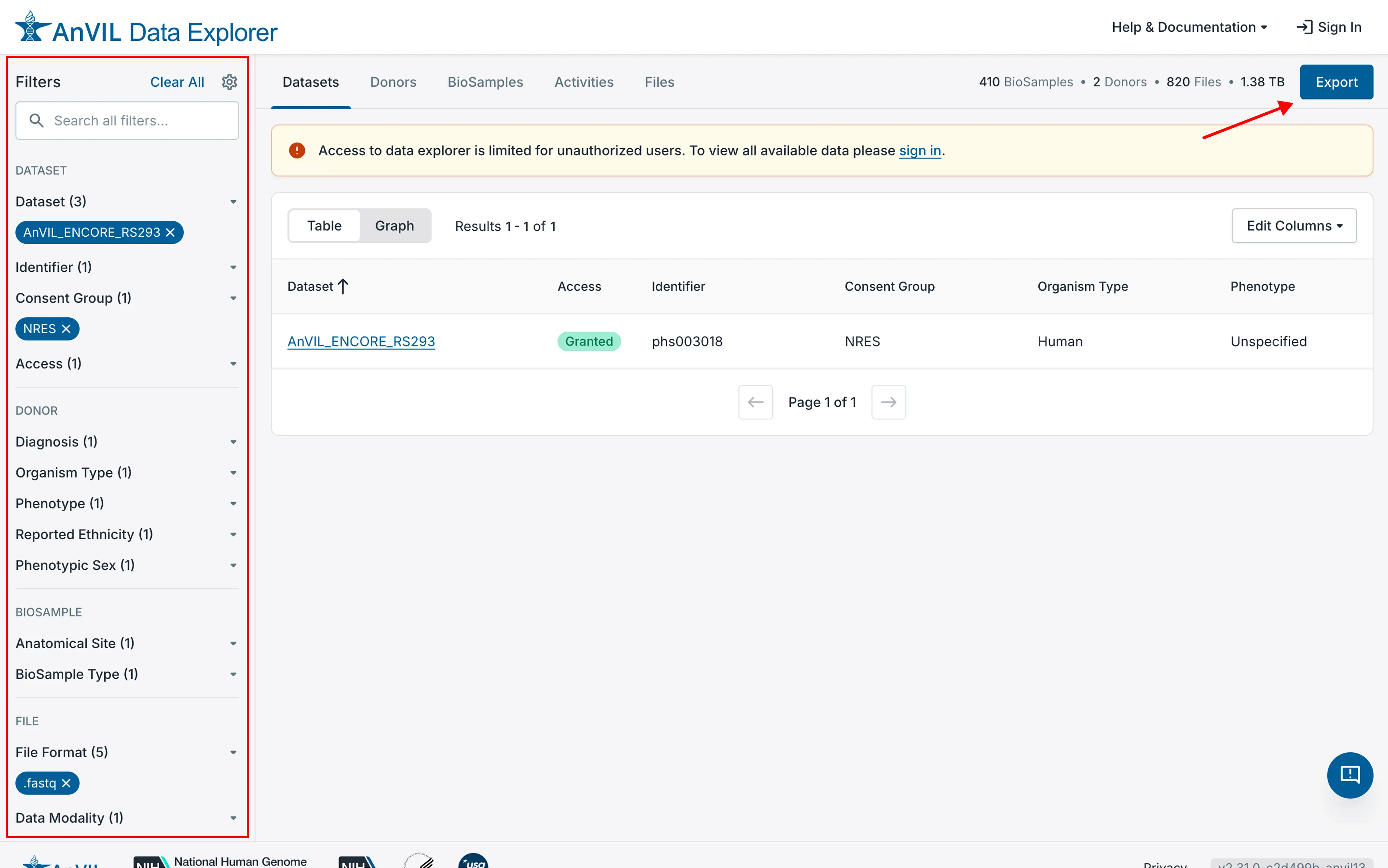
- Use the faceted search in the left-hand column to limit the scope of the files listed.
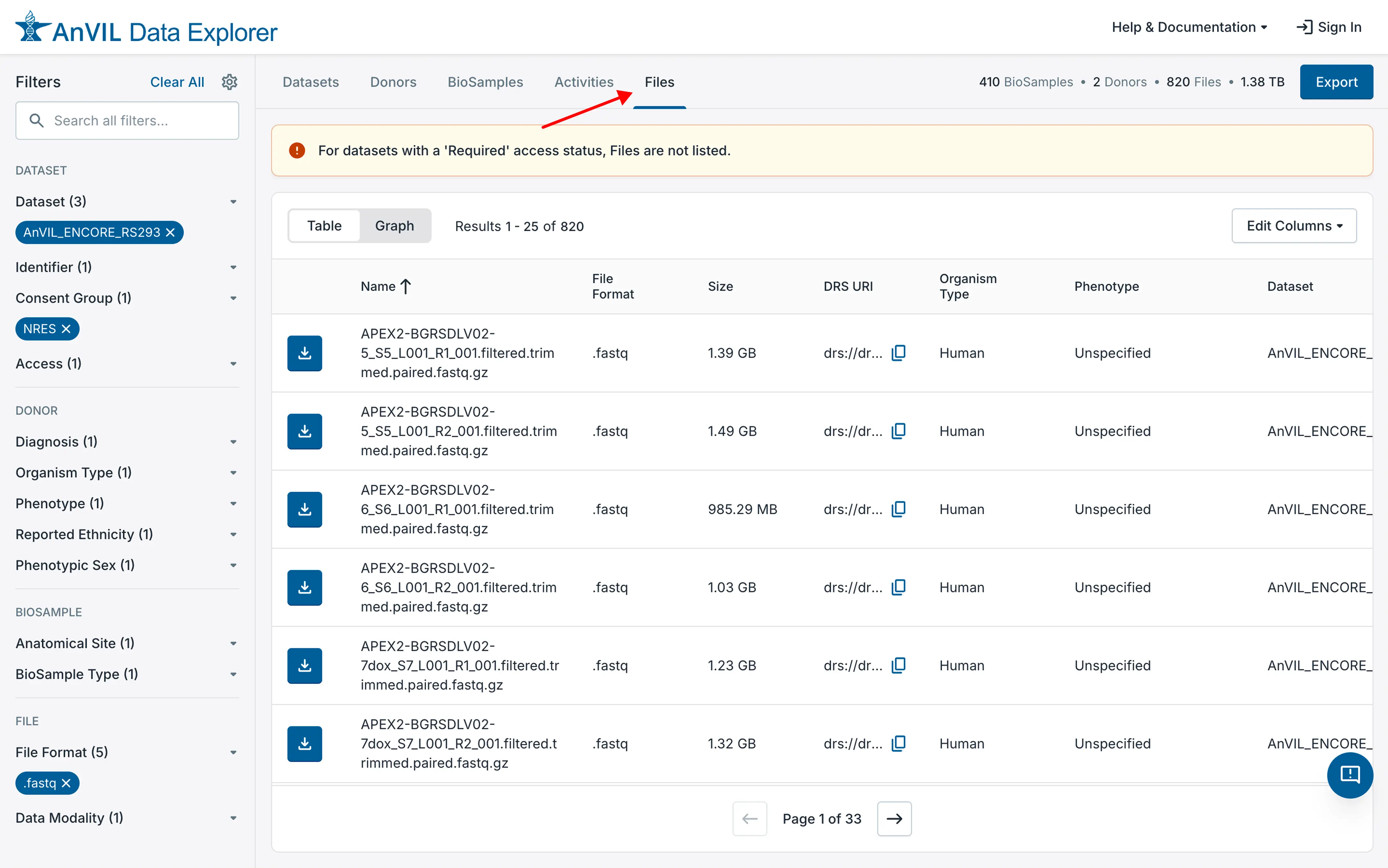
- Select the "Files" tab at the top of the list of datasets. This will change the display to list the available files.
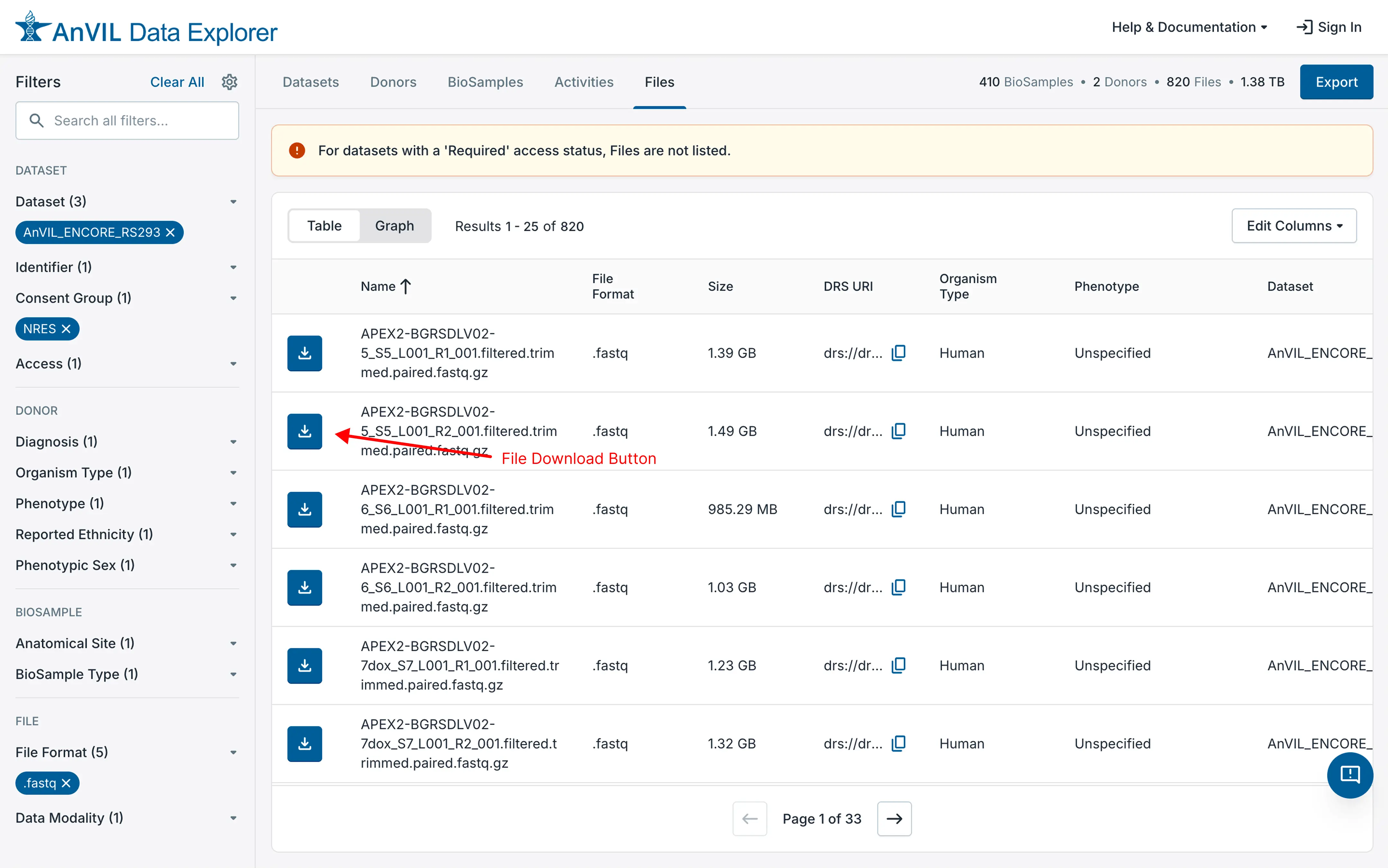
- To download the file, click the download button next to the file of interest. This will start the Download folder as specified in the browser configuration.
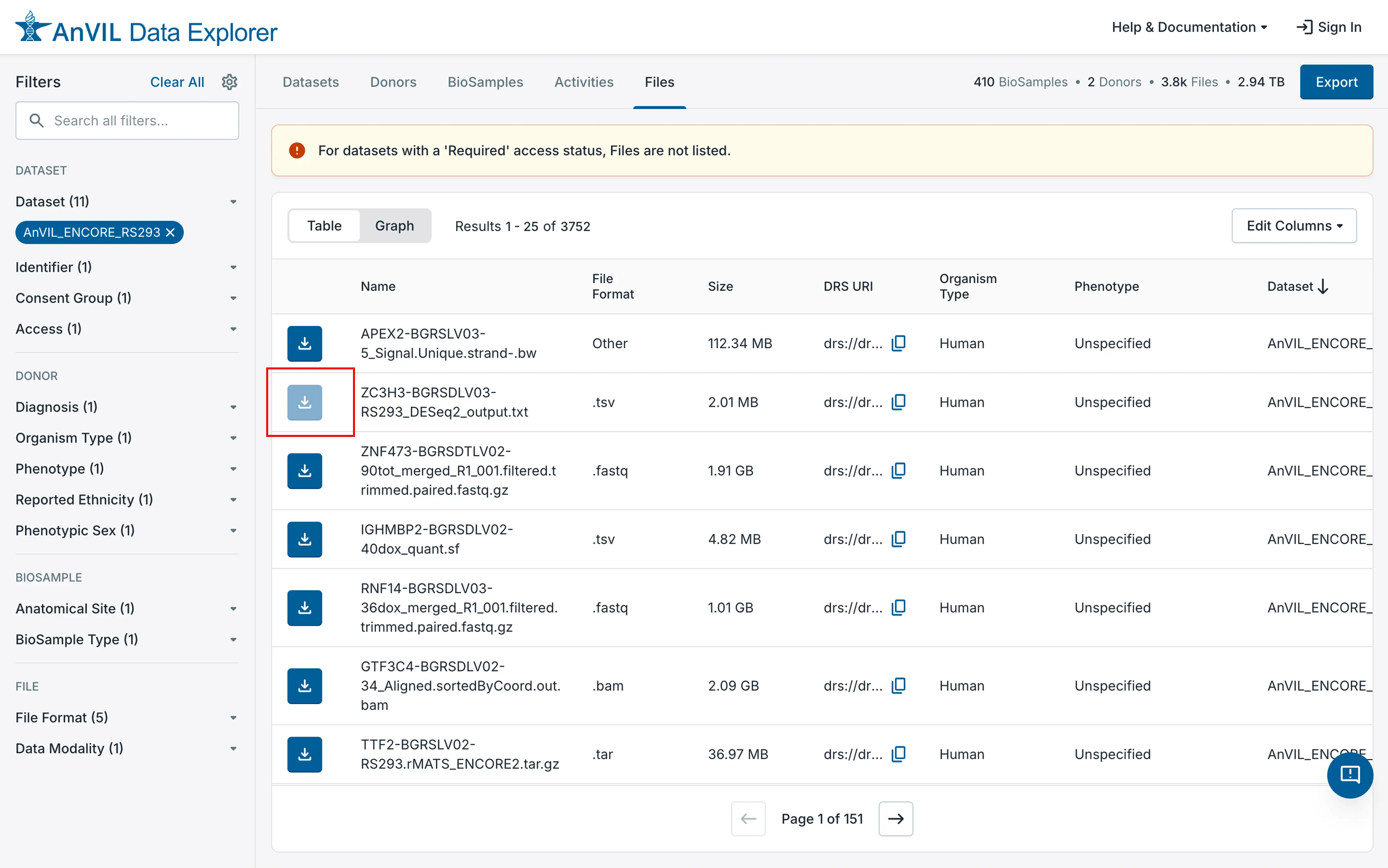
Note that if there are files in the list that are not available for download (e.g., files from a managed access dataset), the download icon will be grayed out.